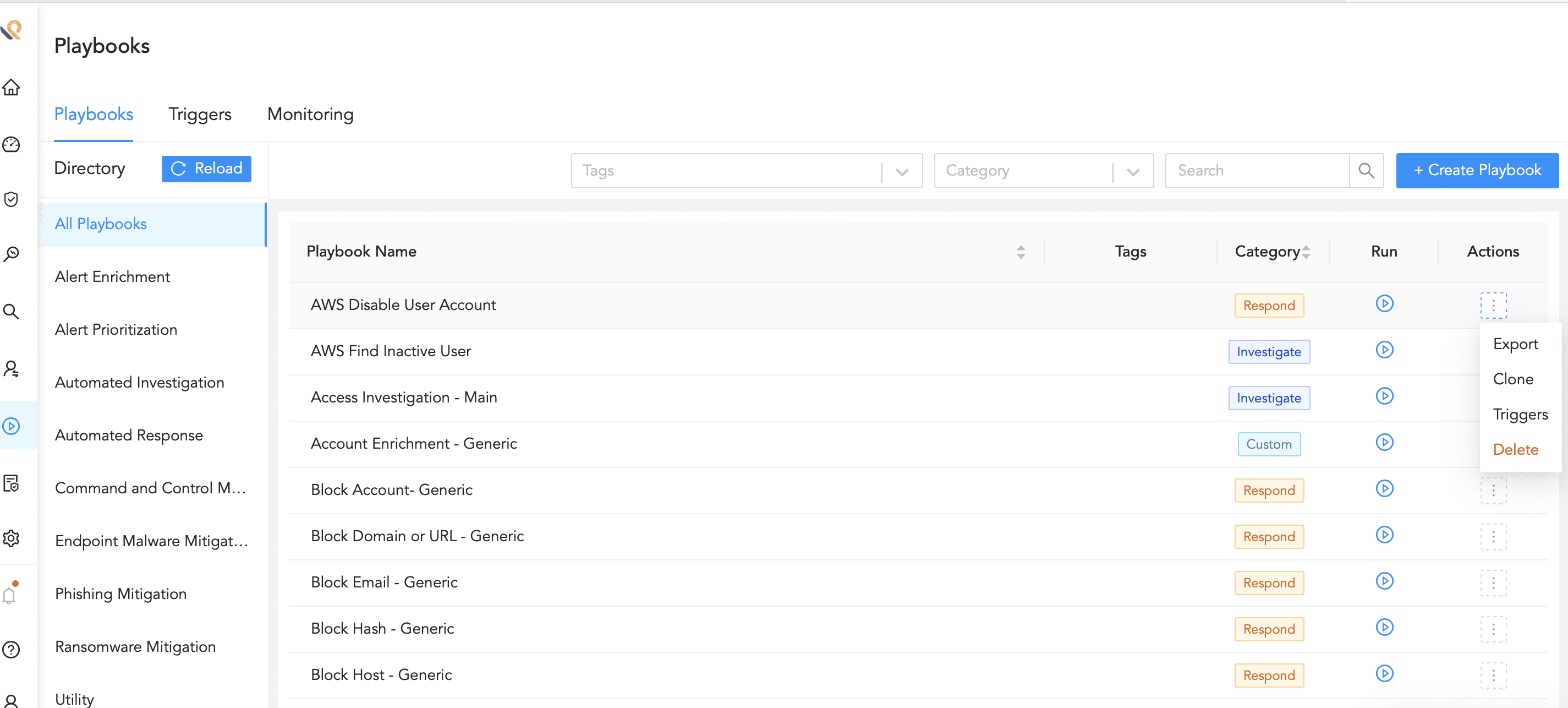
Click Playbooks in the navigation bar.
Playbooks
Search the playbook by filtering the list using the Category or entering the Playbook Name.
Select Delete from the drop-down in the Actions column.
Deleting a Playbook
Click Delete.
We are glad this guide helped.
Please don't include any personal information in your comment